Quick answer
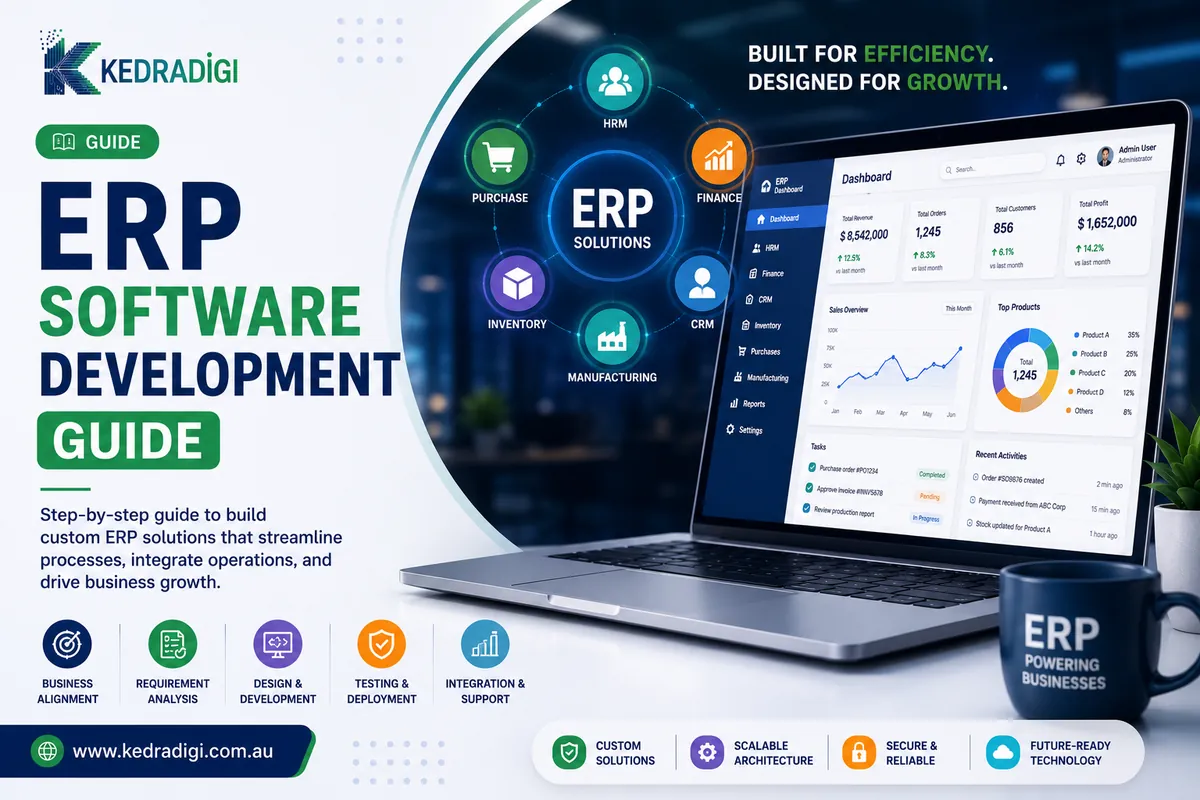
An ERP is a central system that runs finance, inventory, sales, purchasing and people data from one database. Custom ERP software suits unusual workflows, deep integrations or businesses outgrowing generic tools.
Key takeaways
- An ERP connects finance, inventory, sales, purchasing and people data in one system.
- Off-the-shelf ERPs suit standard processes. Custom ERP suits unusual workflows or businesses outgrowing generic tools.
- Map your processes before building, and build in modules you can add over time.
- Staff adoption decides success, so involve the people who'll use it every day.
What are the core modules?
| Module | What it handles |
|---|---|
| Finance | Invoicing, payments, GST and reporting |
| Inventory | Stock, warehouses and reordering |
| Sales and CRM | Quotes, orders and customers |
| Purchasing | Suppliers and purchase orders |
| Production | Work orders and scheduling |
When does custom ERP make sense?
- Your workflows are unusual and generic systems force workarounds.
- You pay for modules you do not use and miss ones you need.
- You need deep integration with your own products or portals.
- Per-user licences grow painfully.
- Your way of operating is a competitive edge.
How do you plan before you build?
- Map current processes, including spreadsheets and workarounds.
- Find where time and accuracy are lost.
- Prioritise one module at a time.
- Clean and map data from old systems.
- Define the numbers leaders need daily.
What about integrations and security?
Typical links include Xero, ecommerce platforms, payment gateways, carriers and payroll. Cloud ERP also needs role-based access, multi-factor authentication, encryption, backups and audit trails.
How do you measure the return?
- Hours saved on manual data entry.
- Fewer stock errors and stockouts.
- Faster month-end close.
- Quicker order-to-delivery cycles.
Involve the people who will use it, and track a baseline before go-live. Our ERP software development team can help you compare options honestly.
What is the most common reason ERP projects struggle?
Usually it is not the technology. It is skipping process mapping and building the old problems into the new system.
Run old and new systems side by side for a short time if the risk is high, and provide training so people actually use it.
Bottom line
An ERP only pays off if people use it. Map your processes first, build in modules and involve the staff who will rely on it every day.