Quick answer
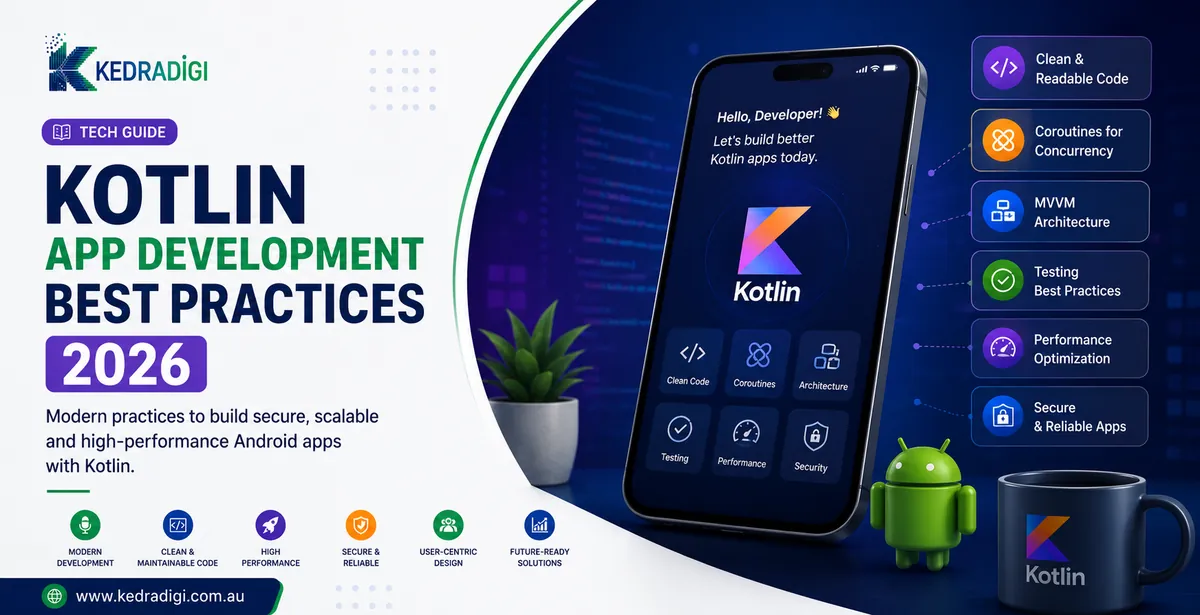
Kotlin is Google's preferred language for Android. Best practice in 2026 is clean MVVM architecture, Jetpack Compose for UI, coroutines and Flow for background work, security built in, performance profiling and automated testing.
Key takeaways
- Use a clear architecture such as MVVM with a clean separation of layers.
- Build new screens with Jetpack Compose and handle background work with coroutines and Flow.
- Bake in security, testing and performance checks from the start, not just before launch.
- Kotlin Multiplatform can share business logic with iOS while keeping native UIs.
Why is Kotlin the default for Android?
Google declared Android development Kotlin-first. Kotlin is more concise and safer than Java, and built-in null safety removes a whole category of crashes.
Full Java interoperability means existing code can be migrated gradually.
What does good architecture look like?
- UI layer: Compose screens and ViewModels that hold state.
- Domain layer: business rules as simple, testable classes.
- Data layer: repositories for APIs and local databases.
Use Jetpack Compose for UI, and coroutines and Flow for background work, scoped to the ViewModel lifecycle.
How do you build in security and performance?
- Store sensitive data with Android Keystore and encrypted storage.
- Use short-lived tokens and validate all input.
- Enable code shrinking and obfuscation for releases.
- Profile startup time and avoid unnecessary recomposition.
- Use baseline profiles to speed up start-up.
Which mistakes should you avoid?
| Mistake | Better approach |
|---|---|
| Business logic inside screens | Move it to ViewModels and use cases |
| Hardcoded strings | Use resources and configuration |
| Ignoring accessibility | Content descriptions, contrast, scalable text |
| No code reviews | Review every change |
| Skipping release testing | Staged rollouts and crash monitoring |
What belongs on a pre-launch checklist?
- The app opens quickly on a mid-range phone.
- Crash reporting and analytics are tested.
- Screens work with large text, TalkBack and dark mode.
- Permissions are requested only when needed.
- A staged rollout is planned.
Is Kotlin Multiplatform worth considering?
It shares business logic between Android and iOS while each platform keeps a native interface. It suits teams with strong Android skills.
Our Kotlin app development team builds with these practices by default.
Bottom line
Clean architecture, modern tools such as Jetpack Compose and early testing keep Android apps maintainable. Build security and performance checks in from the start.