Quick answer
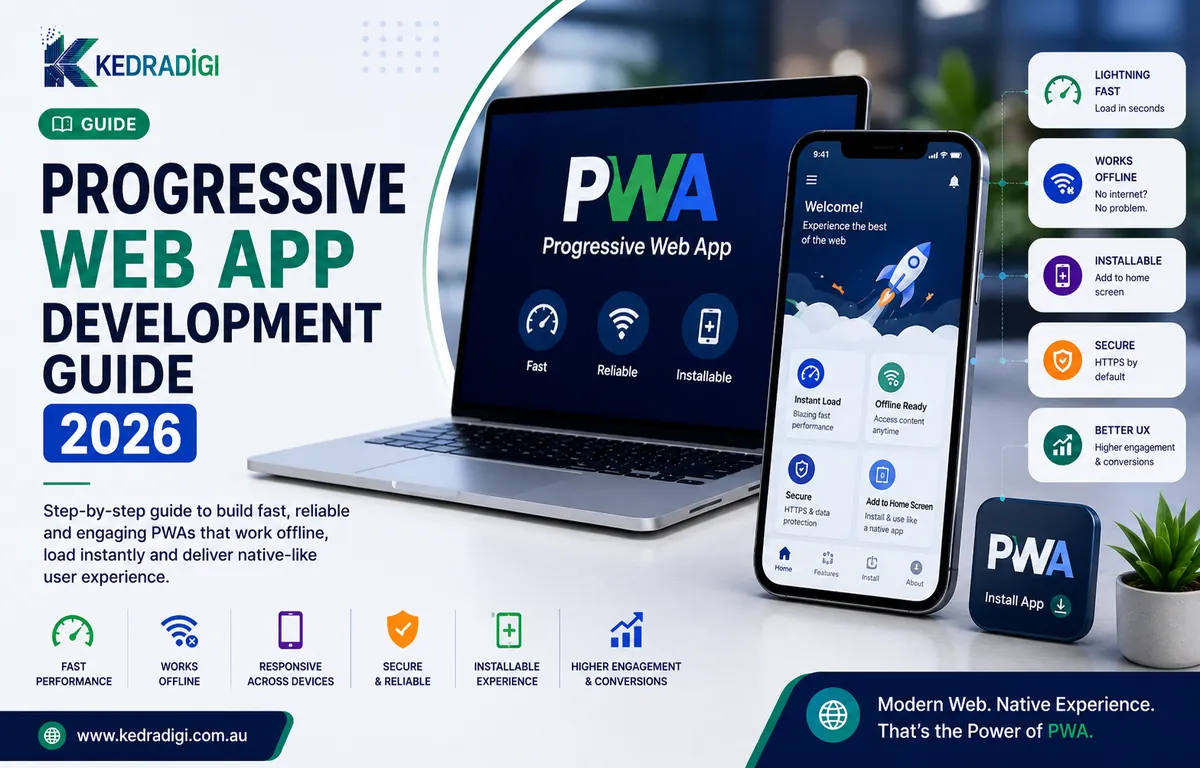
A progressive web app (PWA) is a website built to behave like a mobile app. It can be added to the home screen, work with a weak connection and send notifications, all from one codebase that runs on phones, tablets and desktops.
Key takeaways
- A PWA is a website that can be installed, work offline and send notifications, like an app.
- Service workers and a web app manifest are the two pieces that make a site a PWA.
- PWAs suit content, ecommerce and booking experiences. Heavy device features still favour native apps.
- Speed, HTTPS and a mobile-first design matter more than any single PWA feature.
How does a PWA work?
- HTTPS: the site must be served securely.
- A web app manifest: tells the device the app's name, icon and how to open.
- A service worker: caches key files and handles slow or missing networks.
The service worker is where most of the value comes from, since pages load almost instantly on repeat visits.
Why do businesses choose PWAs?
- One build for Android, iOS and desktop.
- No app store friction: people start from a link.
- Found in search, since PWA pages can rank in Google.
- Faster repeat visits and instant updates.
PWA or native app?
| PWA | Native app | |
|---|---|---|
| Install | From the browser | From the app store |
| Search visibility | Pages can rank | Only the store listing |
| Device features | Camera, location, notifications | Full access, including Bluetooth |
| Updates | Instant | Through store review |
| Best for | Ecommerce, content, bookings | Heavy hardware use, games |
Which features should you plan?
- Offline support for key screens.
- Install prompts after a second visit.
- Useful push notifications, such as order updates.
What are the best practices?
- Start mobile-first.
- Treat speed as a feature and aim for strong Core Web Vitals.
- Plan what to cache and how updates replace old files.
- Test on real iOS and Android devices.
- Track installs, repeat visits and conversions.
If your current site is slow, fix that first.
Bottom line
A PWA gives users a fast, app-like experience from the browser. It suits content, shopping and bookings, but heavy device features still favour native apps.