Quick answer
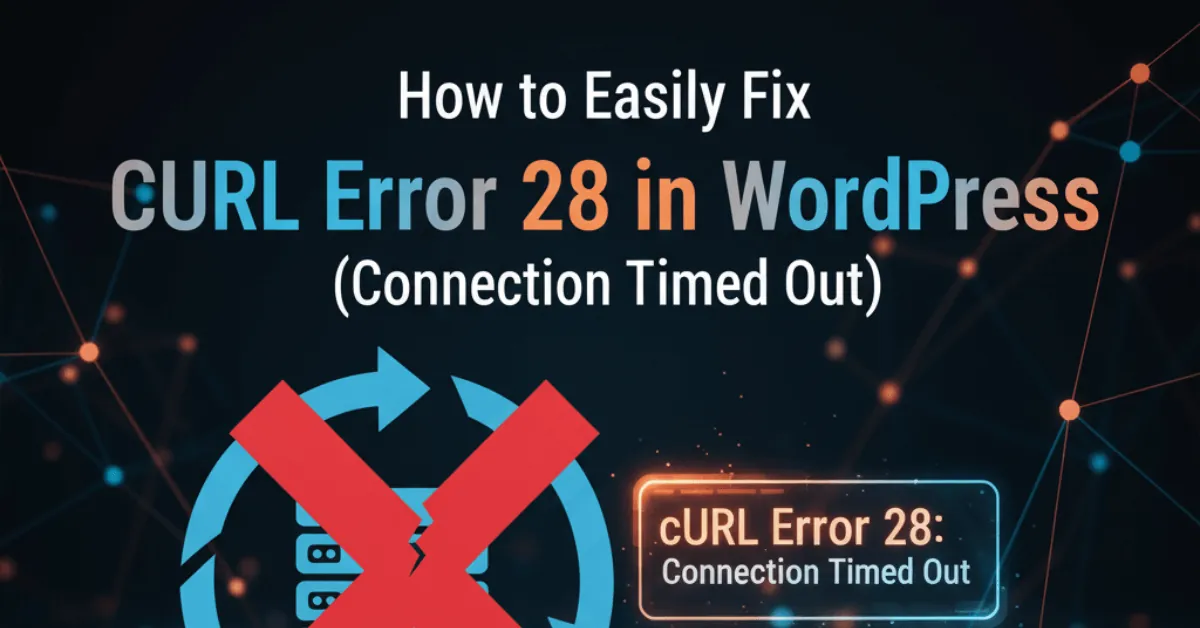
cURL error 28 in WordPress means a request to another server did not get a response within the time limit, often about five seconds. Common causes are firewalls, DNS problems, slow hosting, outdated server software and plugin conflicts.
Key takeaways
- The error means a request from your server to another server took too long.
- Common causes include firewalls, DNS issues, slow hosting, outdated software and plugin conflicts.
- Work through fixes from simplest to most technical.
- Your hosting provider can check server-level blocks you can't see.
Where might you see it?
- Site Health warnings about the REST API or loopback requests.
- Failed plugin or theme updates.
- Payment, shipping or email plugins failing to connect.
- Scheduled tasks not running.
What causes it?
| Cause | What happens |
|---|---|
| Firewall or security plugin | Outgoing requests are blocked |
| DNS problems | The server cannot resolve addresses quickly |
| Slow or overloaded hosting | Requests take too long |
| Outdated PHP, cURL or OpenSSL | Connections fail or slow |
| Plugin conflicts | A plugin delays requests |
How do you fix it?
- Check the other service's status page.
- Briefly disable firewall and security plugins, then adjust their settings.
- Test for plugin conflicts, using the Health Check and Troubleshooting plugin.
- Update PHP and server software.
- Ask your host to check firewalls, DNS and resource limits.
Take a full backup before changing plugins or server settings.
What should you gather before contacting your host?
- Failed tests listed in Tools, then Site Health.
- Whether it happens all the time or at busy times.
- Which plugin or service shows the error.
- Recent updates or hosting changes.
- PHP error logs from your hosting dashboard.
How do you prevent it?
- Use reliable, well-resourced hosting.
- Keep WordPress, plugins, themes and PHP updated.
- Limit plugins to those you need.
- Monitor Site Health regularly.
If timeouts keep happening, it may be time to change hosts.
When should you get help?
If the error keeps returning or you would rather not dig into server settings, our website maintenance services team can diagnose and fix it.
Bottom line
Work through the fixes from simplest to most technical, and re-test after each one. If nothing helps, ask your host to check for server-level blocks.