Quick answer
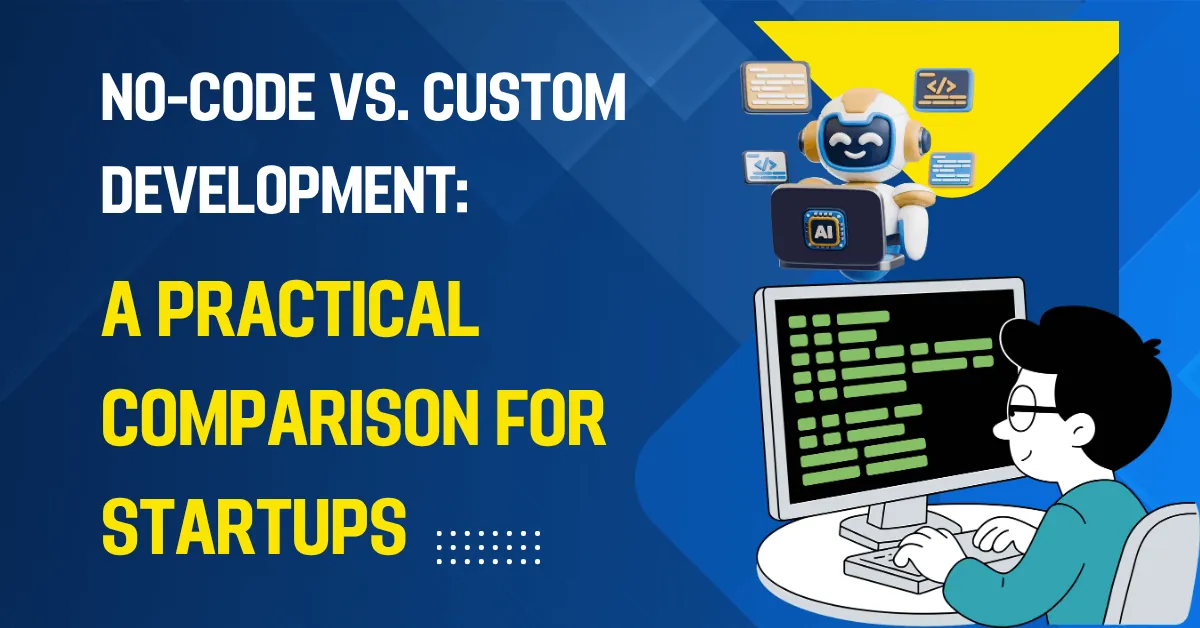
No-code platforms build apps with visual tools and are fast for testing ideas. Custom development writes software for your needs and offers control, scale and ownership. Many startups begin with no-code and move to custom as they grow.
Key takeaways
- No-code is fastest for testing ideas and simple internal tools.
- Custom development offers full control, scalability and ownership.
- Many startups begin no-code and move to custom as they grow.
- Hybrid approaches combine no-code tools with custom code where needed.
When does no-code make sense?
- Testing an idea quickly.
- Simple internal tools and workflows.
- Prototypes for investors or customers.
- Standard features with limited users.
Popular tools include Bubble, Webflow, Glide, Airtable, Zapier and Make.
When should you choose custom?
- Your product is your competitive advantage.
- You need complex logic or integrations.
- You expect large numbers of users or data.
- You need control over performance, security and data location.
- Platform fees would grow as you scale.
How do they compare?
| No-code | Custom | |
|---|---|---|
| Speed to launch | Very fast | Slower |
| Flexibility | Limited to the platform | Unlimited |
| Scalability | Can hit limits | Designed for growth |
| Ownership | Tied to the platform | You own the code |
| Skills | Low | Professional developers |
Which risks should you weigh?
- Platform lock-in: leaving can mean a rebuild.
- Performance limits with complex logic or large data.
- Pricing changes as you grow.
- Custom builds that run over scope.
What about a hybrid approach?
Many businesses use Webflow for marketing pages, Airtable for internal admin and custom code for the core product. Others launch on no-code, prove demand, then rebuild the core.
How do you plan a move from no-code to custom?
- Keep data exportable and document its structure.
- Write down the business rules the app handles.
- Track which features users actually use.
- Switch in stages, such as the database first.
- Keep the old version running until the new one is proven.
Our MVP development team can help you choose.
Bottom line
No-code is great for testing ideas fast, and custom code is better when you need control and scale. Many teams start with one and move to the other as they grow.