Quick answer
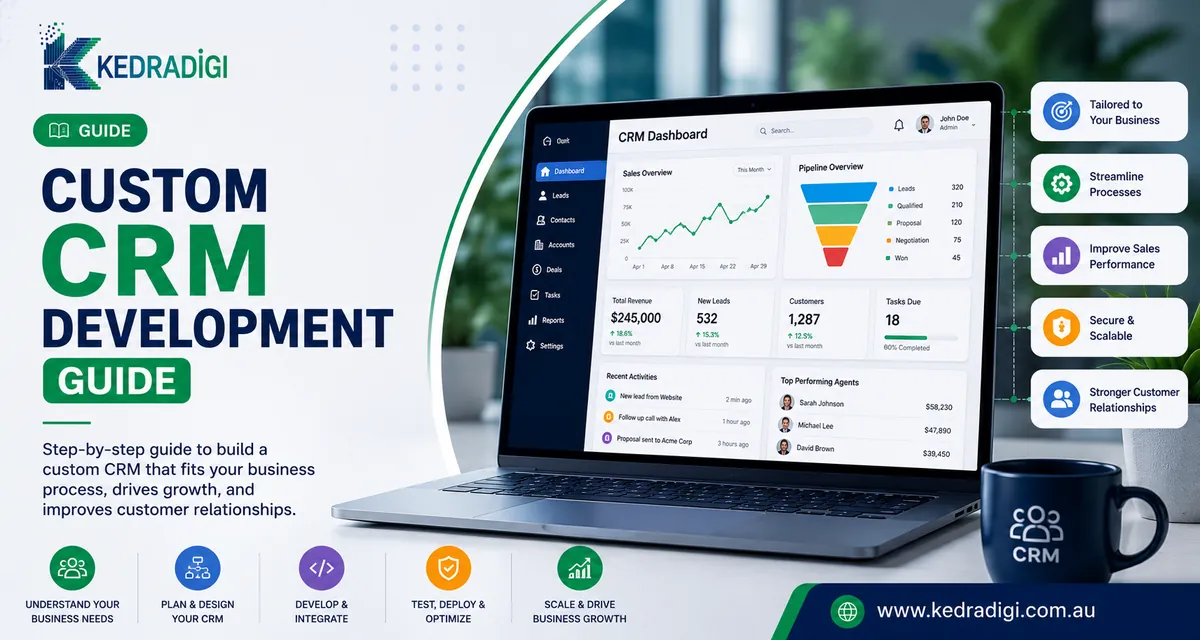
A custom CRM is a customer relationship management system built around your sales and service process, instead of adapting a generic product. It is worth considering when an off-the-shelf CRM fits only around 60 percent of your needs.
Key takeaways
- A custom CRM fits your sales and service process instead of forcing you to change it.
- It makes sense when generic tools need heavy workarounds or per-user costs keep climbing.
- Start with contacts, pipeline and automation, then add features based on real use.
- Integration with email, accounting and your website is where much of the value comes from.
How does custom compare with off-the-shelf?
| Off-the-shelf | Custom | |
|---|---|---|
| Setup | Quick to start | Planned and built for you |
| Fit | Generic processes | Your exact workflow |
| Costs | Per-user licences | Build and maintenance, no per-seat fees |
| Integrations | Popular apps | Any system |
What are the signs you have outgrown your CRM?
- Spreadsheets run alongside it.
- You pay for premium tiers for one or two features.
- Key data sits in systems that will not connect.
- Reports need manual exporting.
- Staff avoid it because it is slow or confusing.
Which features come first?
- Contacts and companies with full history.
- A pipeline with your own stages.
- Tasks and reminders.
- Email and call logging.
- Workflow automation, reports and dashboards.
How do you plan it?
- Map your process from first enquiry to repeat customer.
- Talk to the people who will use it.
- Separate must-haves from nice-to-haves.
- Clean old records before migrating.
- Design simple screens, then launch, train and improve.
What keeps it valuable after launch?
- Keep data clean with sensible required fields.
- Review the pipeline weekly in sales meetings.
- Add automation gradually.
- Use role-based permissions, multi-factor authentication and backups.
Adoption is everything, so involve users from the start. Our CRM software development team can help you decide if custom is right.
Bottom line
A custom CRM is worth considering when generic tools need heavy workarounds. Start with contacts, pipeline and automation, and let real use decide what to add next.